
ECOVACS Mop Not Wet? 8 Checks, From Quickest to Most Involved
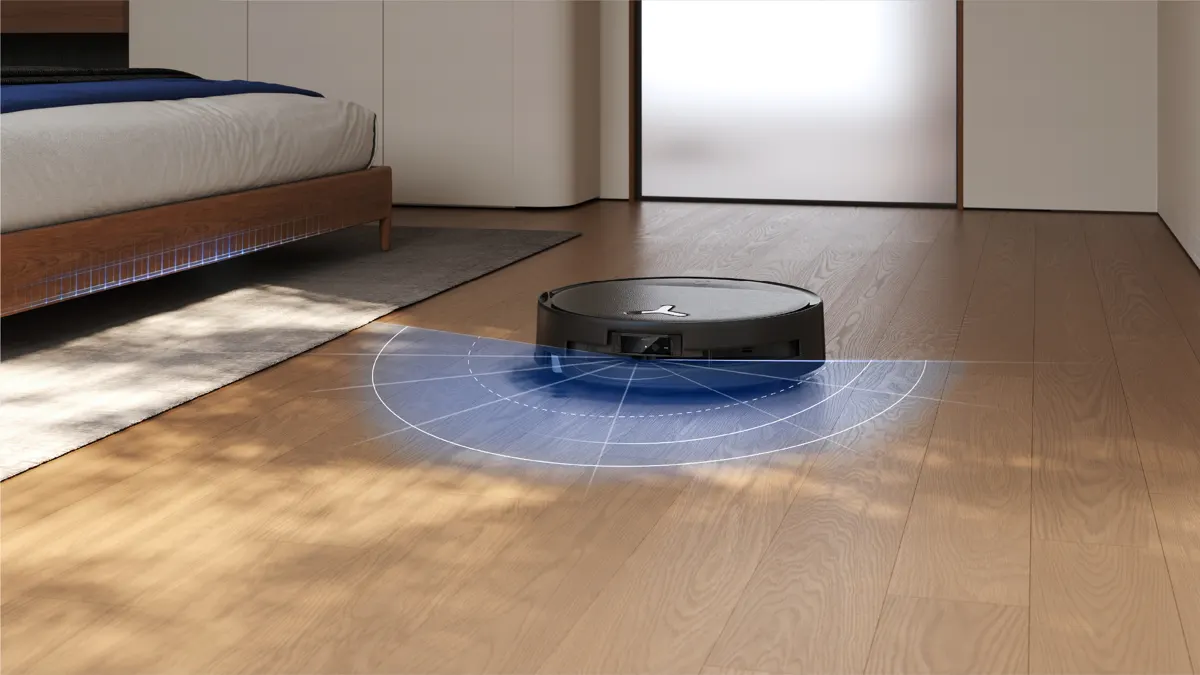
A DEEBOT that leaves dry streaks, or a roller that comes back from the kitchen bone dry, almost always has a simple cause: an empty or badly seated tank, a clogged filter, a loose sealing plug, or a water setting that's too low. ECOVACS support lists the same handful of checks across its models, and they're quick to work through.
The fixes below are grouped by where the water stops. Every step comes from ECOVACS help articles, user guides and the brand's own troubleshooting guide. Start at the top. Most dry mops are fixed by step 3.
First, which kind of DEEBOT do you have?
Water reaches the floor in one of two ways, and the checks differ slightly.
- Station-fed roller models such as the DEEBOT X8 PRO OMNI, X9 PRO OMNI, T80S OMNI and T90 PRO OMNI draw clean water from a tank in the station. The OZMO roller washes itself with fresh water as it mops, so a dry roller usually means water isn't leaving the station.
- Older pad models carry their own water reservoir on the robot and drip it onto a mopping pad through small outlets underneath.
If you're not sure, look at the mop: a long cylinder at the back is a roller, a flat cloth on a plate is a pad.
1. Is there water, and is the robot actually mopping?
It sounds obvious, but it's the first thing ECOVACS lists. Check the clean-water tank is filled to the MAX line, then open the ECOVACS HOME app and confirm the job is set to vacuum and mop, not vacuum only. ECOVACS notes that vacuum-only modes restrict water output, and a room set to vacuum in a custom clean will stay dry even if the rest of the house is mopped.
2. Turn the water level up
A low water setting is the most common reason a mop looks almost dry, especially if you lowered it for wood floors. ECOVACS suggests raising the water flow in the app. Newer models offer fine control; ECOVACS says some DEEBOTs support up to 50 water levels.
Go up a step or two, not to the maximum. ECOVACS warns that too much water can pool on the floor and make the drive wheels slip. If that happens, turn it back down and wipe up the extra water.
3. Reseat the tank and check the sealing plug
On station models, this fixes more dry rollers than anything else. ECOVACS's steps for "clean water not coming out":
- Remove the clean-water tank and check nothing is stuck between the tank and the station.
- Put it back so it sits completely flat.
- Check the sealing plug where the tank meets the station is installed correctly and fits tightly.
ECOVACS explains why the plug matters: a loose connection can trap water in the tank, so flow stops even when the tank is full.
4. Rinse the tank filter and hose
Inside the clean-water tank there's a filter on the outlet. Open the tank, remove the filter, disconnect the water hose and rinse the filter under clean water, then refit everything and secure the tank. On pad models the equivalent part is the water inlet filter on the bottom of the robot's reservoir, which unscrews for cleaning.
ECOVACS recommends purified or soft water in the tank. Hard water leaves mineral scale, which is what clogs filters and outlets over time.
5. Clear the water outlets
Water reaches the mop through small openings, and they can block with dirt or scale. ECOVACS's advice is to rinse the outlet with clean water and clear it gently with a soft tool or cloth, taking care not to damage the small parts.
- Pad models: check the water outlets on the underside of the robot and clean them.
- Roller models: lift the roller side of the robot and remove the water tray under the roller. Take out its filter, clean the tray and filter, and click the tray back into place.
6. Remove, clean and refit the roller
If water is reaching the robot but the roller still looks patchy, take the roller out. On the X8 PRO OMNI, ECOVACS's steps are:
- Double-click the Auto button to release the roller mop.
- Press the latch and remove the roller.
- Pull off the roller end cover and clean it.
- Refit the cover, lift the roller side slightly, push the roller in and double-click Auto to retract it.
While it's out, check for hair or threads wrapped around the ends. If the roller won't extend toward walls afterwards, go into the app under Settings, then Robot Advanced Settings, and make sure Adaptive Edge Cleaning is switched on.
7. Give a dry or worn mop time, or replace it
A brand-new or fully dried pad takes time to soak through, and ECOVACS says the floor may look too dry at the start of a run. You can dampen the pad or roller by hand and then run a short cycle to check that water is flowing.
Mops wear out. ECOVACS suggests replacing a mop roller every one to two months, because a heavily soiled mop can repel water instead of absorbing it. On the X8 PRO OMNI the roller and mop are one piece, so you replace the whole roller.
8. Check the cleaning solution and restart
Using the wrong cleaner can cause flow problems. ECOVACS says non-ECOVACS cleaners can leave thick residue in the tank that clings to internal channels.
On stations that dose solution automatically, the solution goes into its own cleaning-solution unit behind the dust cabin cover, not into the water tank. Then switch on Auto Cleaning Solution Adding in the app, which is off by default on some models. If your DEEBOT has no dosing unit, ECOVACS says to mix its DEEBOT cleaning solution into the clean-water tank at 1:200.
Finally, air pockets in the pump after refilling or a long break can stop water moving. Restart the robot and run a short cycle. If water still doesn't flow, contact ECOVACS customer service, since the pump or a sensor may need a professional check.
Symptom, likely cause, first fix
| What you see | Likely cause | Start with |
|---|---|---|
| Roller dry from the first room | Tank empty, not seated flat, or loose sealing plug | Steps 1 and 3 |
| Floor damp but streaky, dry strips | Clogged outlets or water tray filter | Steps 4 and 5 |
| Dry only at the start of a run | Mop still saturating, low water level | Steps 2 and 7 |
| Wet in some rooms, dry in others | Room set to vacuum only in the app | Step 1 |
| Water flowed before, slowly stopped | Scale from hard water, worn mop | Steps 4, 5 and 7 |
| Station says no water but tank is full | Sealing plug or filter | Steps 3 and 4 |
Keep it from happening again
ECOVACS's prevention advice is mostly habit: use purified or soft water, rinse the tank filter when you empty the dirty-water tank, use ECOVACS cleaning solution in the right compartment, and replace the roller on schedule. Rollers that wash themselves as they mop, like the OZMO ROLLER on the DEEBOT T80S OMNI, still need the station tray and filters cleaned now and then.
If you're replacing an older pad model and want a roller that refreshes itself throughout the job, the DEEBOT X8 PRO OMNI adds Matter support and a 12-in-1 station, and the DEEBOT T90 PRO OMNI uses a 10.6-inch OZMO ROLLER 3.0 with 30,000Pa suction.
For the full lineup, from slim roller models to robot mowers, start with our ECOVACS review.